


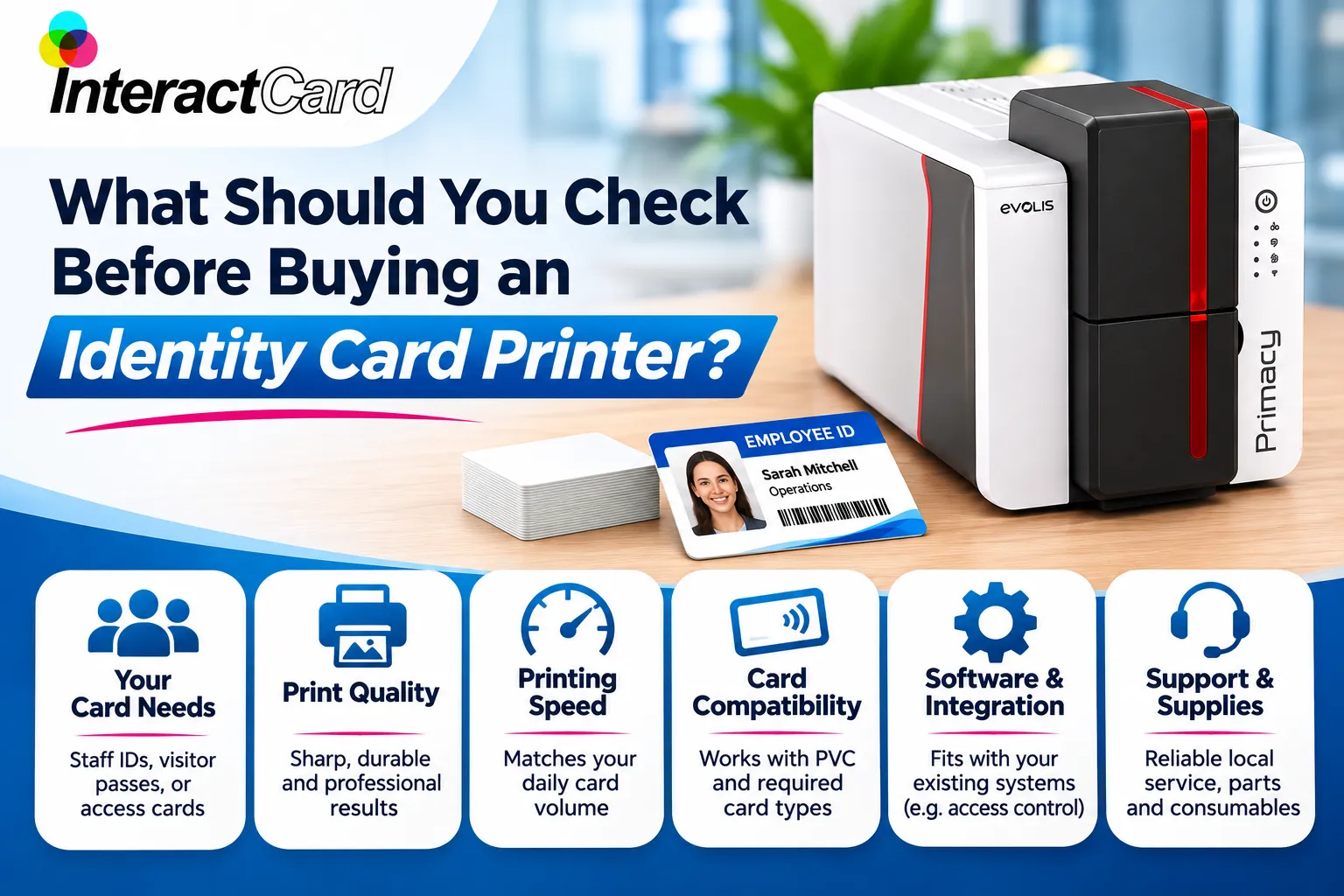
Quick Answer: Before buying an identity card printer, check eight things: how many cards you’ll print, single- or dual-sided printing, print technology, card compatibility, software and encoding, running costs, print quality and local support. Matching these to your needs matters more than brand or purchase price.
Buying an identity card printer seems simple until you start comparing models. Some print one side only, while others handle double-sided cards, different card materials or encoding for access control.
A small office may only need a basic machine. A university, hospital or large business needs one that keeps up with regular printing without slowing daily operations.
Before investing in an id card printer, it’s worth understanding which features actually matter. Here’s what to check.
What Is an Identity Card Printer?
An identity card printer is a desktop printer that prints photos, names, employee numbers, logos and barcodes onto plastic cards, usually standard CR80 cards (85.6 × 54 mm, the size of a credit card). Most use dye-sublimation, where heat transfers colour from a ribbon onto the card.
Organisations use them for staff badges, student cards, membership cards, visitor passes and access cards. Printing in-house means new starters and lost cards can be handled the same day.
1. How Many ID Cards Will You Print?
Start with your expected volume, and plan for your busiest period rather than an average month.
-
Occasional printing (a few cards a week): a compact entry-level printer is usually enough.
-
Regular printing (dozens to hundreds a month): a mid-range model with reliable card feeding saves time.
-
High-volume printing (large batches): choose equipment built for continuous production.
A university, for example, may print most student cards in the weeks before semester, even if demand is low the rest of the year.
2. Should You Choose Single-Sided or Dual-Sided Printing?
Choose single-sided if the photo, name, number and logo all fit on the front. It’s the practical option for most small businesses.
Choose dual-sided if you need emergency contacts, a barcode or QR code, membership details or terms on the back. It costs more upfront but avoids feeding cards through twice. Some models, such as the Evolis Primacy 2, can be upgraded to dual-sided printing later.
3. Which Printing Technology Is Best?
Direct-to-card printing suits most everyday ID cards, while retransfer printing suits organisations that need premium quality or print on smart cards.
|
Feature |
Direct-to-card |
Retransfer |
|
How it prints |
Straight onto the card |
Onto clear film, then fused to the card |
|
Edge-to-edge printing |
May leave a thin border |
Yes |
|
Smart cards with chips |
Can print unevenly |
Prints evenly |
|
Cost |
Lower |
Higher |
|
Evolis examples |
Zenius 2, Primacy 2 |
Agilia, Avansia |
For standard staff and membership cards, direct-to-card is usually enough. For high-security or detailed designs, compare retransfer models.
4. What Card Materials and Sizes Are Compatible?
Not every printer accepts every card. Before choosing a printer for id card printing, check the manufacturer’s specifications for card size, thickness and material.
Most ID cards are CR80 and 0.76 mm thick, made from PVC or a tougher PVC/PET composite. Magnetic stripe, contact chip and contactless smart cards may have extra requirements, so confirm them before you buy. Unsuitable cards can cause jams, poor prints and printhead damage.
5. Does the Printer Support Your Software and Connectivity Needs?
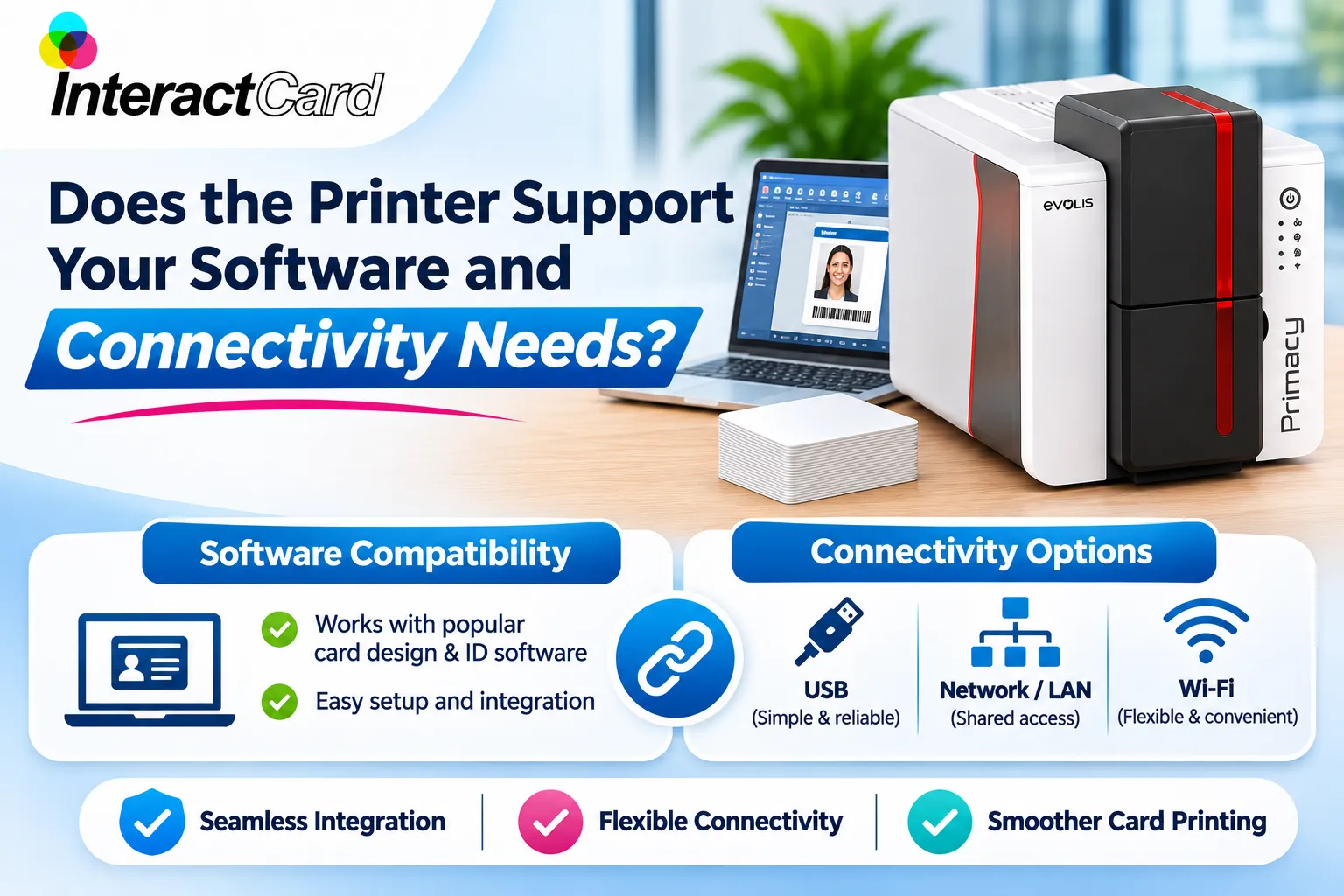
An ID card printer is only useful if it works with your systems. Check for:
-
USB or Ethernet connectivity
-
Windows or macOS drivers
-
Card design software that can import names and photos from a spreadsheet or database
-
Encoding options: magnetic stripe, contact chip or contactless (such as MIFARE)
If your cards need to open doors or record attendance, confirm the printer can encode cards that work with your access control system. Not every model can.
6. What Are the Ongoing Printing Costs?
The purchase price is only the start. Ribbons and blank cards drive most of the cost over a printer’s life.
|
Expense |
What to check |
|
Ribbons |
Price and rated prints per roll |
|
Blank cards |
Material and price per card |
|
Cleaning supplies |
How often cleaning is needed |
|
Software |
Licence or upgrade fees |
|
Repairs |
Warranty and spare part availability |
To compare models, work out cost per card: ribbon price ÷ rated prints, plus one blank card. As an illustration, a $150 colour ribbon rated for 300 prints costs $0.50 per side, while a $60 black ribbon rated for 1,500 prints costs $0.04 per side. If your cards only need black text and a barcode, monochrome printing saves a lot.
7. How Important Are Print Quality and Durability?
ID cards live in wallets, hang on lanyards and get tapped at doors all day, so quality and durability matter.
Before investing in an identity card printer, check photo clarity, text sharpness and colour consistency. Most printers print at 300 dpi, which suits standard ID cards; some retransfer models reach 600 dpi for fine detail. A clear overlay protects everyday cards, and lamination adds extra protection for cards that get heavy use. Ask for sample prints of your own design.
8. What Support and Maintenance Are Available?
Every printer needs cleaning, driver updates and the occasional fix. Before buying, ask:
-
Is technical support available in Australia?
-
What warranty is included?
-
Are ribbons, cards and cleaning kits easy to reorder?
-
Are drivers, manuals and how-to guides available?
Regular cleaning with the manufacturer’s kit protects the printhead, usually the most expensive part to replace.
Why Choose InteractCard Australia?
-
Authorised Evolis distributor of genuine printers, ribbons and parts
-
Printers for every need, from the Zenius 2 and upgradable Primacy 2 to the Agilia and Avansia retransfer printers
-
One-stop supplies: ribbons, blank cards, cleaning kits, lanyards and card design software
-
Same-day dispatch on orders placed before 2pm on business days
-
Local support from the Melbourne-based team
Frequently Asked Questions
What is the best ID card printer for a small business?
A single-sided direct-to-card printer suits most small businesses. It prints staff badges and visitor passes at a low cost per card. Choose an upgradable model if you may need dual-sided printing or encoding later.
Is a special printer required for plastic ID cards?
Yes. Office inkjet and laser printers can’t print directly onto PVC cards. An identity card printer is built to feed rigid cards and print onto plastic.
Can an identity card printer print membership cards?
Yes. The same printer can produce membership cards, staff badges, student IDs and visitor passes, provided you use compatible card stock.
Can an ID card printer encode access cards?
Only if it has the right encoding module, such as magnetic stripe, contact chip or contactless. Check compatibility with your access control system before buying.
How much does it cost to print an ID card in-house?
Add the ribbon cost per print to the price of one blank card. Colour printing costs more per card than monochrome, and smart cards cost more than plain PVC.
Do ID card printers require regular cleaning?
Yes. Follow the manufacturer’s cleaning schedule and use its cleaning kit. Regular cleaning keeps prints sharp and protects the printhead.
Conclusion
The right identity card printer depends on your volume, card design, card type and budget for consumables, not brand or price alone. Check all eight points above, think about how your needs may change, and compare cost per card. Choosing a printer for ID card printing this way means you’ll buy once and avoid surprises.
About InteractCard
InteractCard has specialised in ID card printing for more than 20 years. Based in Wantirna South, Melbourne, it’s an authorised Evolis distributor supplying ID card printers, consumables and card design software to businesses, schools, clubs, RTOs and government organisations across Australia.